 Mopup
MopupHow to free up Docker Desktop disk space on a Mac
On a Mac, Docker Desktop keeps every image, container, volume and build cache inside one large disk image. It grows as you pull images and build, and nothing in it goes away until you remove it with Docker.
Where the space goes
Docker Desktop runs a small Linux virtual machine, and that machine's disk is a single file:
~/Library/Containers/com.docker.docker/Data/vms/0/data/Docker.rawFinder may show its maximum size. To see how much space it really takes on your Mac:
du -h ~/Library/Containers/com.docker.docker/Data/vms/0/data/Docker.rawDon't delete this file to save space: that erases everything in Docker at once. Use the commands below.
See what's using it
With Docker Desktop running:
docker system dfIt shows how much space images, containers, local volumes and the build cache take, and how much of each can be reclaimed.
Reclaim space, safest first
- The build cache.
docker builder prune -adeletes all build cache not in use. Your next builds take longer while it fills again. - Stopped containers.
docker container prunedeletes every container that isn't running, with anything written inside it. - Unused images.
docker image prune -adeletes every image no container uses. They download or build again when you need them. - Volumes, carefully. Volumes hold data, such as the contents of a local database. List them first
with
docker volume ls.docker volume prunedeletes unused anonymous volumes; adding-adeletes every unused volume, named ones included.
Or all at once, except volumes:
docker system prune -aThis deletes stopped containers, unused networks, every unused image and the build cache. Volumes stay unless you add
--volumes.
Docker gives the freed space back to macOS by itself, usually within seconds.
Set a limit
In Docker Desktop, Settings › Resources › Advanced has a limit for the disk image, so it can't grow past the size you choose.
Memory, too
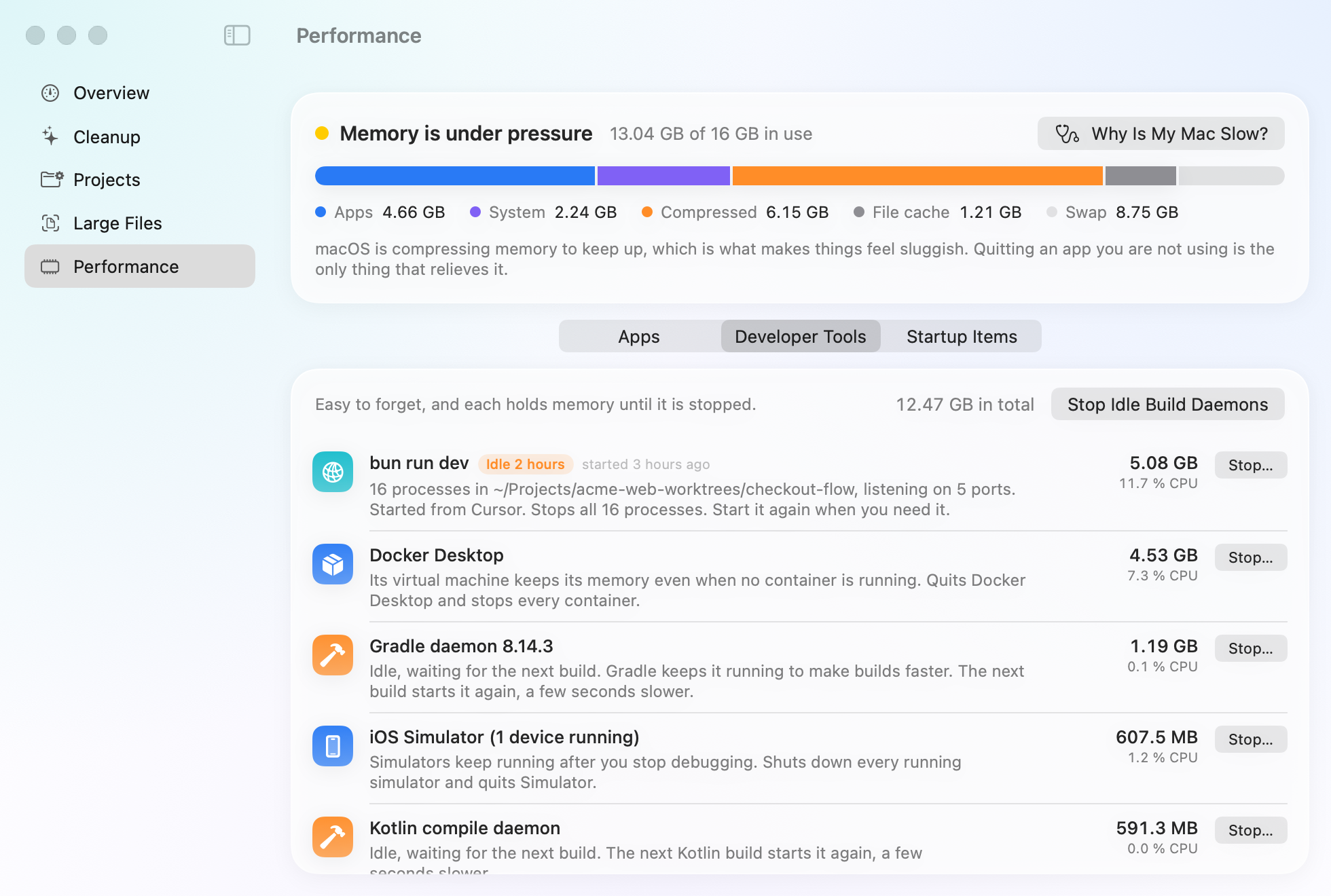
Docker Desktop's virtual machine can also hold gigabytes of memory while it runs. Quitting Docker Desktop when you're not using it gives that memory back.
Related guides
- How to clear Xcode DerivedData and simulatorsWhat each Xcode folder holds, which are safe to delete, and the commands that clear them.
- How to find and delete old node_modulesFind every node_modules folder and its size, remove the ones you don't need, and clear package caches.
- What is System Data on a Mac?What fills the grey System Data bar in your storage settings, and how to shrink it safely.