 Mopup
MopupHow to find and delete old node_modules folders
Every JavaScript project keeps its dependencies in a node_modules folder, often hundreds of megabytes each, and projects you finished months ago keep theirs too. Deleting them is safe when the project has a lockfile: one install brings everything back.
Find them and their sizes
Replace ~/Projects with the folder you keep your code in. This lists every node_modules folder with its size,
smallest first, and changes nothing:
find ~/Projects -name node_modules -type d -prune -exec du -sh {} + 2>/dev/null | sort -hDelete the ones you don't need
One project's folder:
rm -rf ~/Projects/old-app/node_modulesOr every node_modules folder under ~/Projects:
find ~/Projects -name node_modules -type d -prune -exec rm -rf {} +That deletes them for good, in every project under that folder, including the ones you're working on. When you come
back to a project, run npm install, pnpm install, yarn or bun install in it. If
you'd rather pick folders from a list, npx npkill shows them in Terminal and deletes the ones you choose.
Other folders your tools recreate
The same goes for other generated folders: .next and .nuxt, .turbo,
.parcel-cache, .svelte-kit, .angular, target in Rust and Maven projects,
.build in Swift packages, Pods, .gradle, and build in Gradle and Flutter
projects. Python's .venv comes back too, but only once you create it and install the packages again. Check
that a folder really is generated before deleting it: a folder called build can also be your own.
Clear package manager caches
- npm:
npm cache clean --forcedeletes npm's download cache in~/.npm. - pnpm:
pnpm store pruneremoves packages no project uses from pnpm's store. - Yarn:
yarn cache cleanempties Yarn's cache. - Bun:
bun pm cache rmempties Bun's cache.
Why sizes can mislead
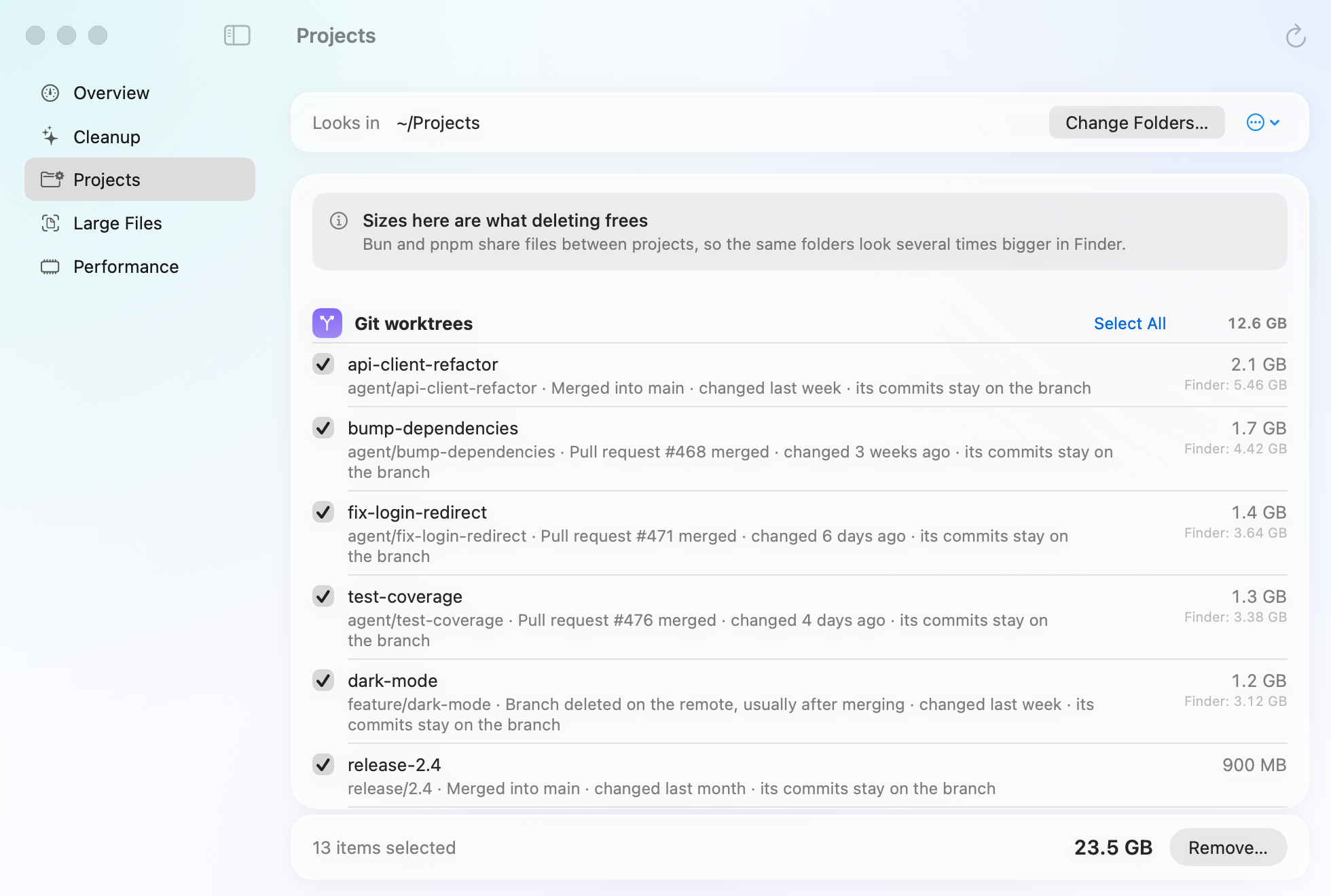
pnpm and Bun don't copy every package into every project. They link or clone them from one shared store, so the same files appear in many node_modules folders. Finder and du can count those files once per folder, so deleting one folder may free much less than its size suggests.
Related guides
- How to clear Xcode DerivedData and simulatorsWhat each Xcode folder holds, which are safe to delete, and the commands that clear them.
- How to free up Docker Desktop disk spaceSee what fills Docker's disk image and reclaim space with Docker's own prune commands.
- How to clear cache on a Mac safelyWhich caches are safe to delete, where they live, and how to clear app and browser caches.