 Mopup
Mopup › Guides › Apple Intelligence storage
How much storage Apple Intelligence takes on macOS 27, and what you can do
macOS 27 downloads Apple Intelligence's models the next time your Mac is online, and Apple removed the setting that turned Apple Intelligence off. On a 256 GB Mac that is a large share of the disk. Here is how much it takes, how to see it, what frees the space and what doesn't.
How much space it takes
Apple Intelligence runs on the MacBook Neo and on Macs with M1 or later. Apple says its models take up to 14 GB on Macs with M3 or later and at least 12 GB of memory, and up to 8 GB on the rest, and that the space used can be higher for a while during and after a software update (Apple). Readings on real Macs have often been higher:
| Mac | Apple Intelligence in Storage settings |
|---|---|
| M4 Pro Mac mini | 20.67 GB (MacRumors), 29.45 GB on another (Eclectic Light) |
| M3 MacBook Air | 22.42 GB (Ars Technica) |
| M1 MacBook Air, MacBook Neo | About 14 GB (Ars Technica) |
| Not stated | 30.16 GB, reported by a Reddit user (via MacRumors) |
See how much it takes on your Mac
Open System Settings › General › Storage and click the info button beside macOS. Apple Intelligence has its own line in the list.
The models are in folders whose names start with com_apple_MobileAsset_UAF_FM_, in
/System/Library/AssetsV2. System Integrity Protection guards that folder, so neither Finder nor Terminal can
delete them in normal use (AppleInsider).
What doesn't free the space
- Turning features off. macOS 27 has no single switch. You can turn off Siri and features such as notification summaries one by one, and Screen Time › Content & Privacy › Intelligence & Siri has an Apple Intelligence switch (Apple). These stop the features, but Apple doesn't say they remove the models, and AppleInsider found that turning Apple Intelligence off doesn't remove what was downloaded.
- Changing Siri's language. AppleInsider found this doesn't remove models already downloaded either. MacRumors forum members report mixed results: one went from 32 GB to 23 GB, others saw no change.
Removal tools and Recovery: what they risk
RemoveMacAI, shared widely on Hacker News, installs a configuration profile that turns off Apple Intelligence features and blocks the model downloads by pointing them at an address that doesn't answer. It then removes the models through Apple's asset service, using Apple's private interfaces, with System Integrity Protection left on (RemoveMacAI). Before you try it, know that:
- For one user, 11.9 GB came back after a restart (MacRumors forums).
- Users report the macOS 27.2 update stalling for about two hours (issue 109) and Spotlight's clipboard history breaking (issue 114).
- It installs by piping a script from the internet into your shell, which runs whatever that script holds on the day. It also changes how macOS downloads some of its own components.
Deleting the folders from Recovery worked for AppleInsider: the Mac started normally with about 14 GB more free. But Apple doesn't document it, forum members say macOS downloads the models again, and deleting system files can't be undone. We don't recommend it on a Mac you rely on.
Make room elsewhere instead
Until Apple gives back a switch, the safe way to get the space back is to clear what you don't need:
- A leftover macOS installer. If an Install macOS app is sitting in your Applications folder, it's taking about 17 GB (Ars Technica) and can go to the Trash.
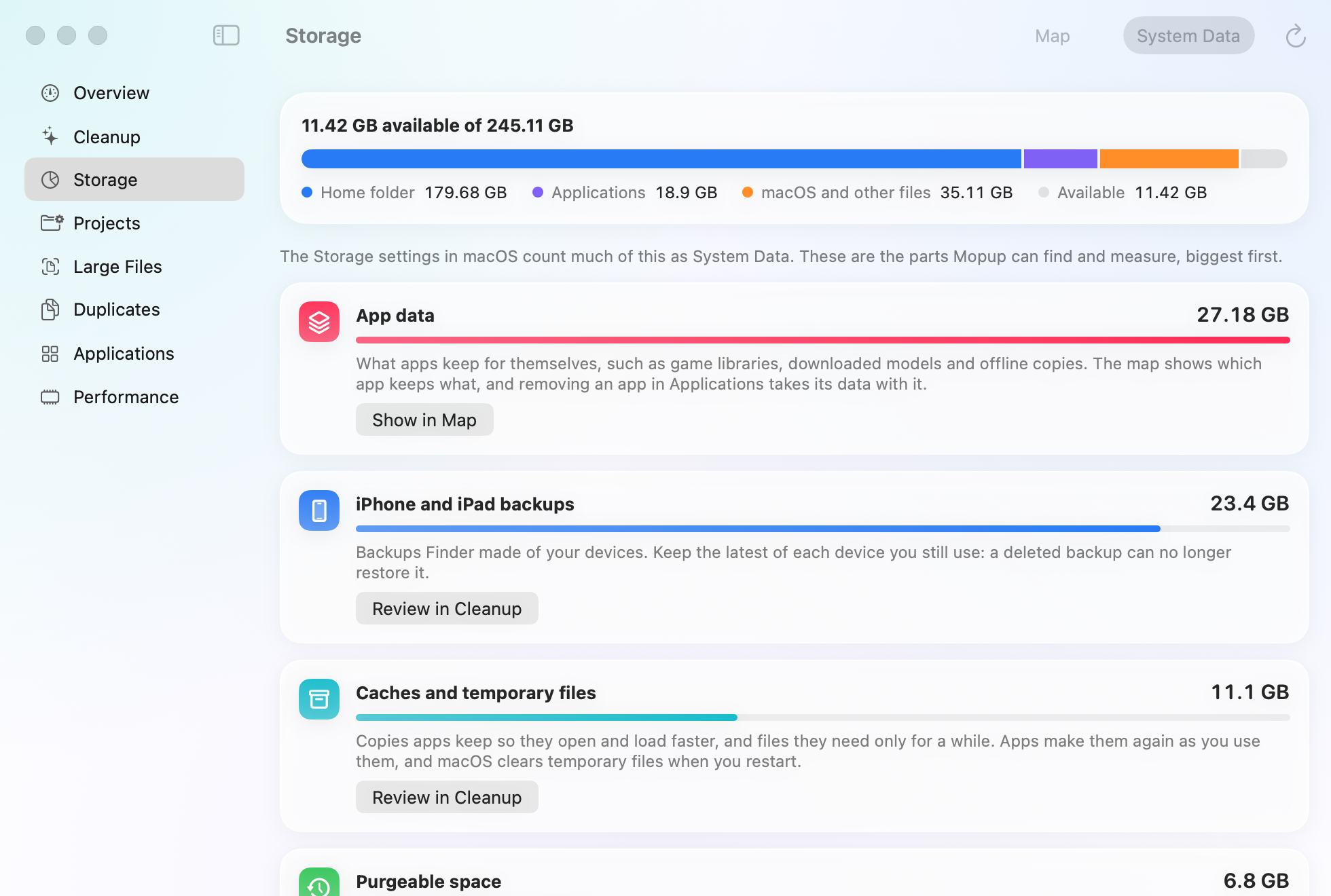
- Old iPhone and iPad backups, which can take tens of gigabytes: how to delete them.
- Large files and duplicates you've forgotten: find large files and remove duplicates.
- Caches that apps rebuild: which are safe to clear.
- Everything else in System Data, such as Time Machine snapshots: what's in System Data.
If you're trying to install an update, this guide covers what to clear first.
Related guides
- Not enough space to update macOS?What to clear when an update won't install for lack of space, from quick wins to safe mode.
- What is System Data on a Mac?What fills the grey System Data bar in your storage settings, and how to shrink it safely.
- How to find large files on a MacFind your biggest files with Storage settings, Finder or Terminal, and tell which can go.